Oct 6, 2026
Or, How to Be Included in Group Photos Without Taking a Selfie
With the holidays approaching, special gatherings of friends and family are memories to be made and preserved, moments captured that will be treasured long after by all involved. Without having to gang up for an awkward and iffy selfie, wouldn’t it be great to stage a “regular” group photo that everyone could be in, including the photographer?
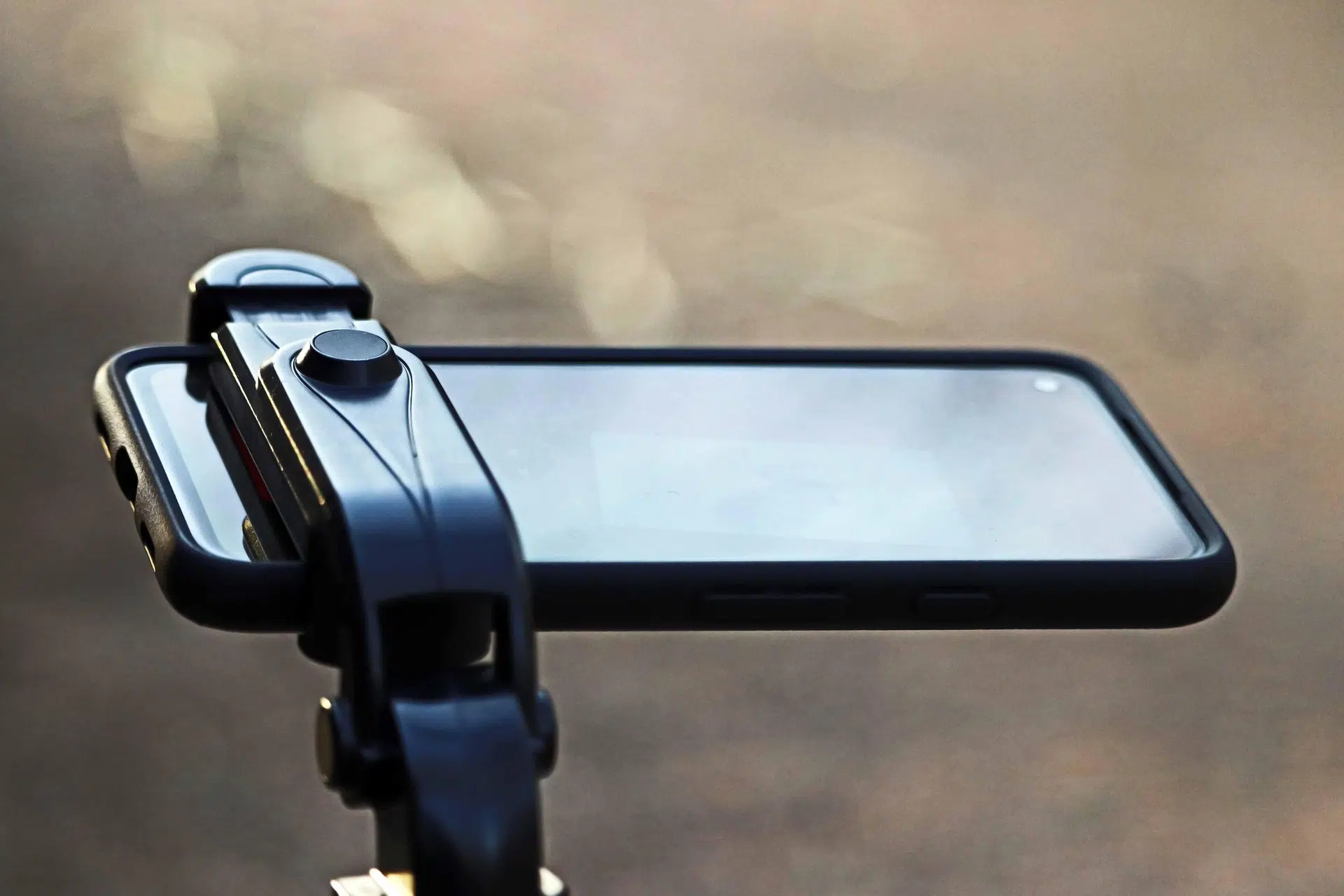
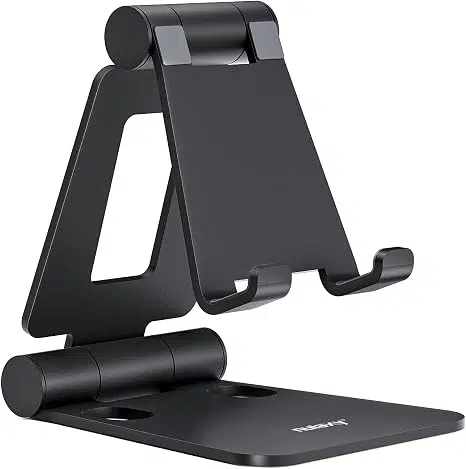
We have (and verily, have long had) the technology in place – all that’s needed is an adjustable but stable platform (more on this later), a smartphone, and YOU knowing how to set the camera timer!
 Assuming you’re sporting a capable modern smartphone, you’re already 1/3 there. Read on to reach 2/3 and become the “high-tech” hero this holiday season.
Note: If you’re currently suffering upgrade envy, paying too much, or having tech issues, give the friendly experts at Russell Cellular a jingle at 1-800-221-4408 or visit one at your nearest location immediately!
Your Camera Carries Its Own Tools
In newer smartphones, you can access the countdown tools directly from the top or bottom toolbar within each phone’s native camera app. Below is a direct comparison of the available timer intervals, followed by the step-by-step instructions for each system.
Quick Feature Comparison
| Phone Model |
Available Intervals |
Visual Location |
iPhone 14
& newer |
3 seconds, 10 seconds |
Under the hidden slider menu (Arrow button) |
Galaxy S23
& newer |
2 seconds, 5 seconds, 10 seconds |
Top toolbar menu (Clock icon) |
For iPhone 14 & newer (iOS 16+) – 5 Steps to Setting the Camera Timer
The timer on newer iPhones is located inside a slide-out adjustment menu to prevent the viewfinder from looking cluttered. For more detailed instructions on native tools, check the official Apple Support iPhone Camera Guide.
-
Open the Camera app and ensure you are in Photo or Portrait mode.
-
Tap the Chevron Arrow (∧) at the very top center of your screen (or swipe up from the middle of the viewfinder) to pull up the tool shelf.
-
Tap the Timer icon (looks like a classic clock) from the row of options that appears right above the shutter button.
-
Select either 3s or 10s.
-
Tap the Shutter button. The flash will blink, and a countdown timer will display on your screen before the camera captures a burst of 10 photos.
Note: To turn it off, follow the same steps and select Off.
For Galaxy S23 & newer (One UI 5.1+) – 4 Steps to Setting the Camera Timer
Samsung places the timer tool directly on the primary quick-settings bar at the top of the camera interface. For alternative capturing methods, view the Samsung Support Camera Settings Guide.
-
Open the Camera app and make sure you are in Photo or Portrait mode.
-
Look at the toolbar at the top of your screen and tap the Timer icon (an open circle clock outline).
-
Select your preferred delay interval: 2s, 5s, or 10s. The icon will change to reflect the number of seconds you selec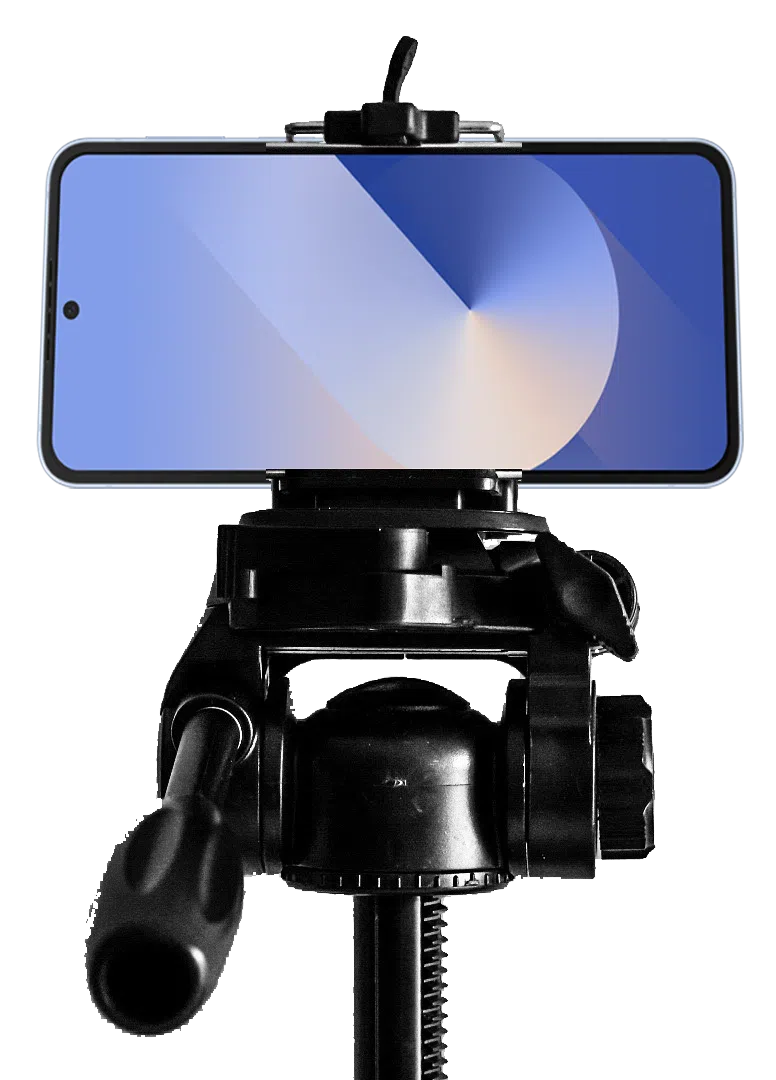 ted.
ted.
-
Tap the Shutter button. A circular countdown graphic will appear on your screen, accompanied by an audible beep before the photo is taken.
Tip: You can also go to Camera Settings > Shooting methods and turn on Palm swipe to trigger the timer just by holding up your hand to the camera.
Last (1st really) But Not Least – an Adjustable but Stable Platform for Your Phone
PRO TIP: Select and order/buy your photo stand immediately or ASAP – long before you think you’ll need it. Pat yourself on the back when complete. Practice your new skills upon delivery!
You can find great smartphone photo stands ranging from pocket-sized magnetic grips to tall, adjustable tripods depending on your shooting needs, starting around $10-20 at most major retailers and online outlets.
This author is biased and just can’t be bothered writing about selfie sticks, except to mention that some models do, in fact, conveniently double as desktop stands and come with remote controls, so manual timer-setting becomes irrelevant. That, admittedly, is pretty cool too.
Care to know other fascinating and easy to use features of your smartphone? Call a professional at Russell Cellular at 1-800-221-4408 or visit one at your nearest location. Note: more simple Smartphone Tech Tips are coming soon to the RC blog.
For the record, yes, we do know – smartphone cameras have moved far beyond this basic, near universal feature, but RC issues no apologies for covering the fundamentals first. Stay tuned for more!
#RussellCellular #TeamRC #TechTips #SmartphonePhotography #InclusiveGroupShots #CameraControls #WirelessLifestyle
Oct 1, 2026
Staffing is bigger than just hiring the “right people”.
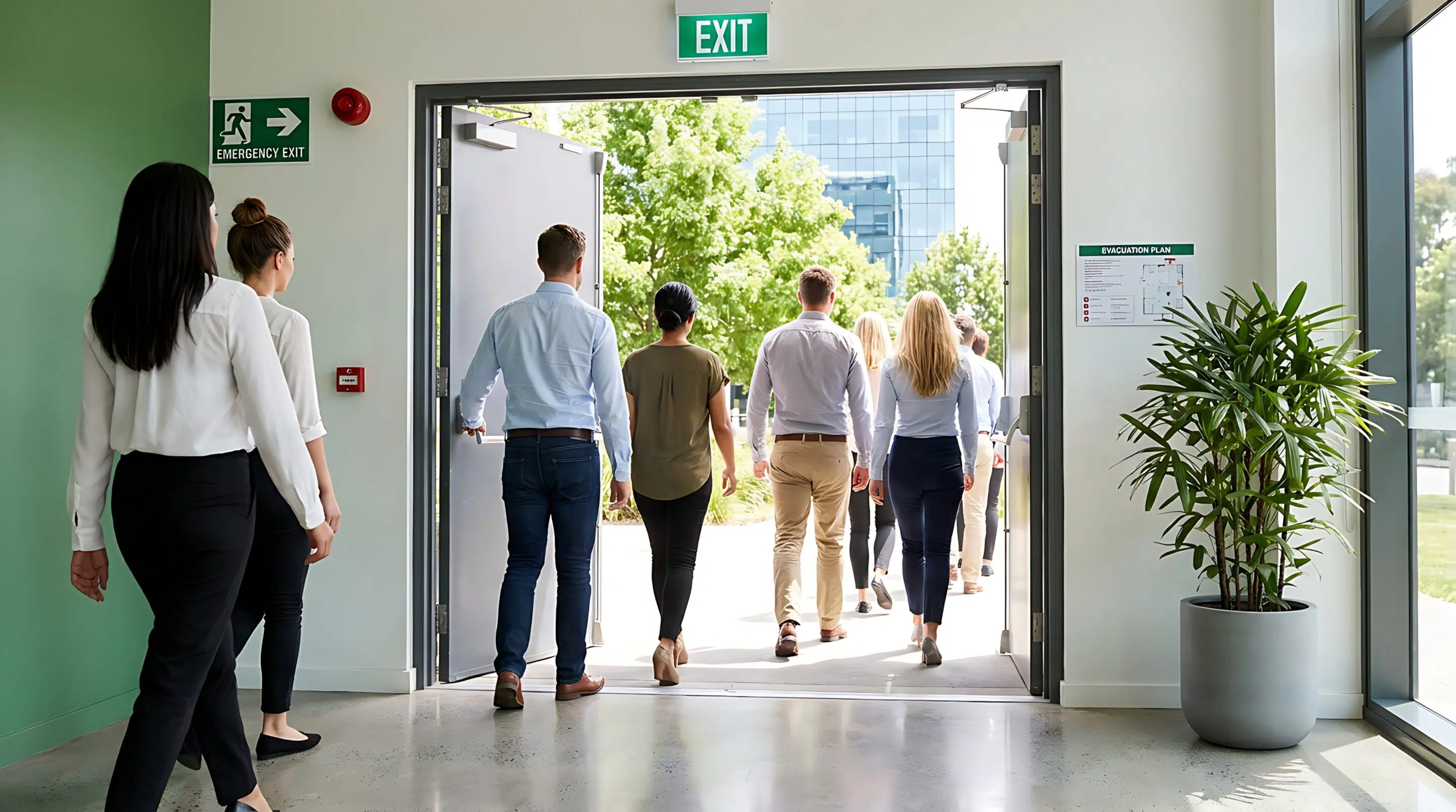
Not long ago, staffing was under a microscope. Starting around March-April 2020, a global event turned the workplace upside down – COVID. Protocols like 2-weeks away to slow the spread, shelter in place, essential versus non-essential workplaces, the six-foot rule, and, in some instances, no mask and no vaccine meant no job. Federal, state, and local mandates structured how businesses should run – and those that were customer-facing came under very specific guidelines.
Staffing got disrupted accordingly. What became more interesting to observe was how employees and their employers responded to the nature of the job and how both looked at employment.
 The Great Resignation
The Great Resignation was an economic trend coined by Texas A&M University professor Anthony Klotz beginning in early 2021. Here’s the boiled-down backstory:
- Millions of workers quit their jobs during the COVID-19 pandemic to find higher pay, better benefits, and more flexible work. People began to reflect on what they were doing, why, and whether the proverbial grass was greener somewhere else.
- The U.S. Bureau of Labor Statistics tracked record quit rates, peaking at 4.5 million quits in November 2021. In total, over 40 million U.S. workers quit their jobs across 2021, a record later surpassed in 2022.
- Hardest-hit sectors with the highest turnover were hospitality (food service), healthcare, retail, and education.
- Employers sought to figure out how best to keep the staff they had. In response, many firms offered large bonuses and high salaries to attract new staff during the abnormally tight labor market.
Something happened shortly after – from 2022 to 2023. Many job-hoppers realized their new roles were not what they expected or anticipated, leading to the Great Regret where a large percentage wished they had never left their old jobs. In fact, surveys show that up to 80 percent of workers who switched jobs had some level of regret, and about 70 percent of those unhappy job-hoppers tried to get their old jobs back.
This suggests it’s not just one thing that drives employment numbers up or down, and staffing is more than a result of “good” company culture. It will always be a balance of employees knowing what they want and employers providing what they have. Staffing, or the managerial process of finding, choosing, and hiring the right people for the right jobs in an organization, is what happens when all the elements successfully come together.
So, are we ever fully staffed?
No, not really. Even with a full headcount for the number of team members needed at the location, there is always a need for recruitment, hiring, and staffing. We are always looking for talent. More on that another time. Another reality is that we are always one resignation away from “short-staffed again” – compounding the difficulty of executing company initiatives and meeting every customer, every time.
I contend “fully staffed”, while certainly a good thing and desired outcome, isn’t truly attainable. Yet in a state of being “partially staffed”, focus shifts to leveraging coverage and scheduling to support the needs of the business. At such times, leadership may need to step in, or key people may have to shift to support another location. We pivot resources to ensure the best possible customer experience. This becomes mission-critical in select times of the year.
Staffing is pivotable.
All of this to say: we are coming into a season for selling where staffing is key. Fourth Quarter or Holiday Selling is where a majority of businesses enjoy their most profitable part of the year with the increase of customer traffic. The scale and speed of business ramp up during this time, and terms like “all-hands-on-deck” become a rally call to drive operational efficiencies, customer interactions, and sales performance.
We prepare for the “busyness” by making sure we have enough people to cover all the needs of the business. Knowing we are going to be in the whirlwind from about Thanksgiving through the end of the year, right now, in October, represents the best time to get a staffing plan squared away.

Here’s the catch. Staffing is not just about having enough people to fulfill the desired schedule. We have to consider the full process, the bookends – recruiting and hiring on one end, onboarding on the other. I have found the more important target in “fully staffed” is ultimately about quality, not quantity. How are we ensuring we have enough candidates and, once hired, enough “fully trained up and equipped” team members?
We may have a target to have hired and staffed enough people by Halloween for the Holiday Season. Where are we finding them and then what about their skills, abilities, and knowledge to do the job well? I have certainly seen my fair share of businesses that have enough bodies on the floor. But a pulse does not guarantee performance.
Our Take-Away
People are our greatest asset in business, and having enough of them is one thing. Yes, we need people on the schedule to support the needs of the business. But this is what the Great Resignation taught us: As employers, we need to (1) ensure the applicants know what they are getting into and (2) demonstrate a culture where people are valued – where hiring turns into an open door of opportunity in the onboarding process. Employees who make up our staff expect and deserve to be seen, heard, and appreciated.
We also owe it to the customer to have team members who can suit up, show up, and successfully deliver on expectations of the job, regardless of the time of year. Having staffing squared away now makes it easier to provide the best customer experience when the chaos of the season takes center stage.
It’s October. Are you fully staffed and fully squared away, or is this the first you’ve thought about it?
#RussellCellular #Perspectives #LeadershipMatters #StaffingBeyondHeadcount #OpportunityValueTeam #HolidayHiring
Read other insightful leadership articles at the RC Blog and RC Connections.
Sep 1, 2026
“People don’t resist change. They resist being changed!”
This call-out comes from Peter Senge, American systems scientist, senior lecturer at the MIT Sloan School of Management, and founder of the Society for Organizational Learning. In this quote, Senge highlights the presence of resistance in change. Not in actual change. We naturally embrace transformation, growth, and new experiences, and, specifically, when we choose change, we’re good. Resistance seems to be triggered by a feeling of lack of control or loss of autonomy. When leadership or external forces impose decisions on us without our input, it can trigger a defensive reaction.
That’s not all; those feelings can be tempered by a lack of context or no clear “why.” It might be the ubiquitous fear of the unknown and uncertainty. It might be something lingering from a past change with past negative experiences creating skepticism. Maybe the “the way we’ve always done it” is being replaced by an unfamiliar new normal and we’re uncomfortable. It could be a lack of confidence fueling a fear of failure or being judged during change. It’s not the change. It’s what the change requires, especially if it wasn’t our idea.
Change is not really the goal.
It’s not the change; that’s just what we’re going through. It’s the stuff that makes it happen that’s important. Change provokes a process to be navigated. We embrace the change. We acknowledge and accept it, and then we set goals. Is having goals enough? I contend “no.” While it is essential we know the vision and mission behind the goal (our why), we must devote time and energy into all of the essential, elemental steps (our how) that get us to success.
First off, goals will naturally expose projects and tasks that make up the goal. Then, secondly, tools, resources, and systems need to be identified that will help with the projects and tasks. And lastly, the key ingredient that I believe to be the most critical – clarifying the daily habits. These are the specific behaviors that we execute every day. Some are mindset, some are skill set. All require a focused dedication and relentless pursuit. In a way, when change is required and goals are set, we identify the specifics for each one – top down. Goal…Tasks…Resources…Habits.
If that makes sense, consider some questions. The answers may very well help to provide the way forward. Into and through change. What’s the goal (vision, mission, reason)? What are the projects and tasks associated with that goal (sub-goals, strategies, objectives)? What are the tools, resources, and systems available to support (apps, checklists, people with experience)? What are the daily habits that drive execution and success (behaviors, routines, standards)?
Then, simply identify the answers and work back up. Execute the daily habits flawlessly and resolutely. Use the tools and resources in hand, while engaging in the various projects and tasks, in pursuit of achieving the desired goal. If it were that simple, everyone would do it, right?
But, what if it’s all a big “NO”?
The plan is in place and what if we don’t want to change? What if someone we lead pushes back?
I have found that resistance and pushback during change is a normal human threat response to uncertainty and a perceived lack of control. How that threat response is demonstrated… well, that seems to be the hard part to navigate. It’s one thing to fear change or what it entails, it is quite another to say “no.” While it might not necessarily be stubborn resistance, it could be behavioral resistance, or maybe a skill issue. Based on experience, when I encounter pushback, I use the lens of “skill or will.”
I have found it’s that tension that creates a challenge in managing and leading through change. To help with this, I designed seven questions in logical sequence that can illuminate potential reasons for behavioral resistance or pushback.
As it pertains to the change and expected behavior(s), have I…
- Clearly defined?
- Trained?
- Followed up to check understanding?
- Observed and Coached?
- Followed up to check performance?
- Made follow through part of an ongoing development plan?
- Removed obstacles?
So, consider the questions. And then ensure the answers. Because where there is “no,” this is a skill issue. You’ll see it and work on that; like clarify expectations. Train and do a knowledge check. Observe and coach behaviors. Be consistent with ongoing observation, coaching, and follow-up. Eliminate the obstacles and clear the way to success.
However, if all are ‘yes,” it’s a will issue and comes down to a choice: are we or is the individual willing to engage in this change and deliver the expected behavior? If it’s still “no,” change is not the issue, and it becomes a different conversation.
Our Take-Away
Bottom line, there’s going to be something you and I need to change or figure out in change. It’s natural and inevitable. Our day-to-day has big and little change wrapped into every action item. Will we push back, or will we step into the uncertainty knowing that growth is available on the other side? Even if we’re a little resistant, will we be honest, curious, and open enough to pursue our opportunities? If it is required, will we challenge and question respectfully to seek understanding? If others are involved, will we support them in their adoption and adaptation? And at the end of the day, will we own our responsibility?
It begs a final question: are we willing to engage this change and deliver the expected behavior?
Read other insightful leadership articles at the RC Blog and RC Connections.
#RussellCellular #Perspectives #Leadership #ChangeManagement #EmployeeEngagement #GrowthMindset

Aug 24, 2026
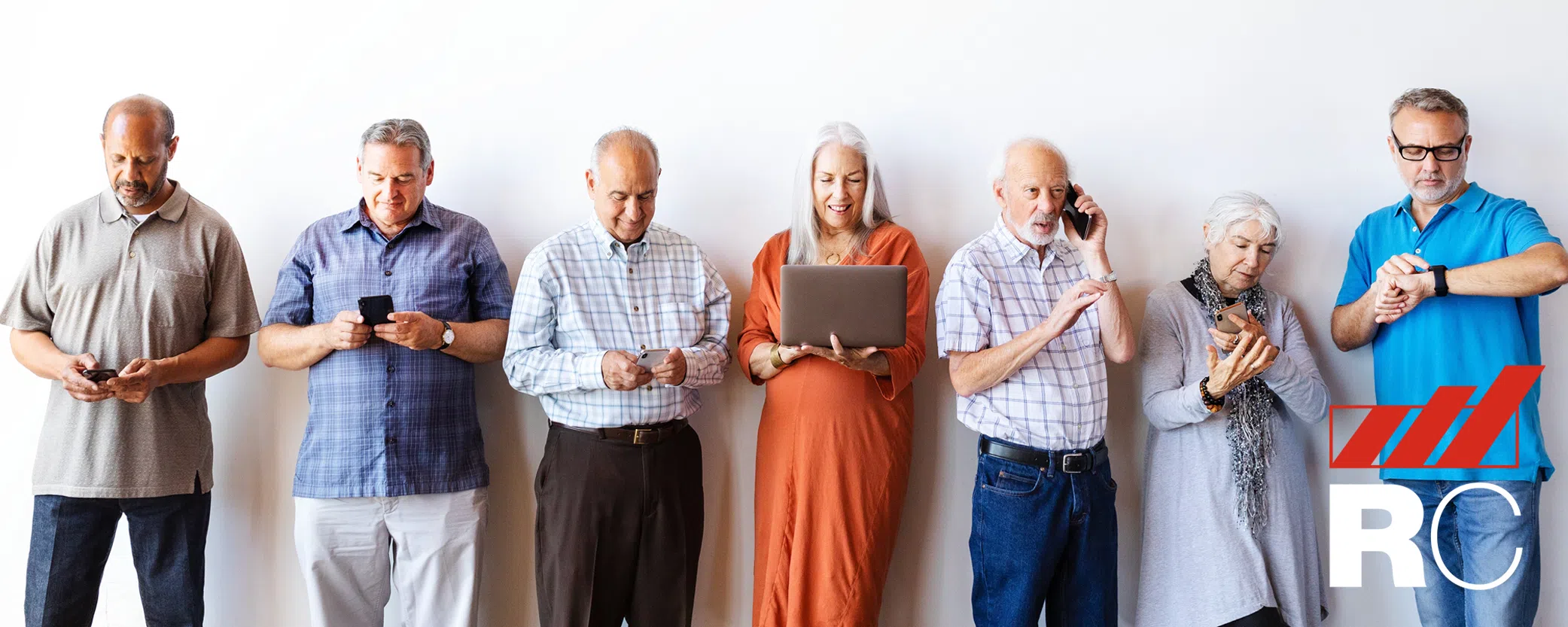
As we get older, staying healthy, safe, and independent becomes a bigger priority – but it doesn’t always get easier. Remembering appointments, tracking health changes, or reaching help quickly can be challenging. That’s where smartwatches for seniors come in.
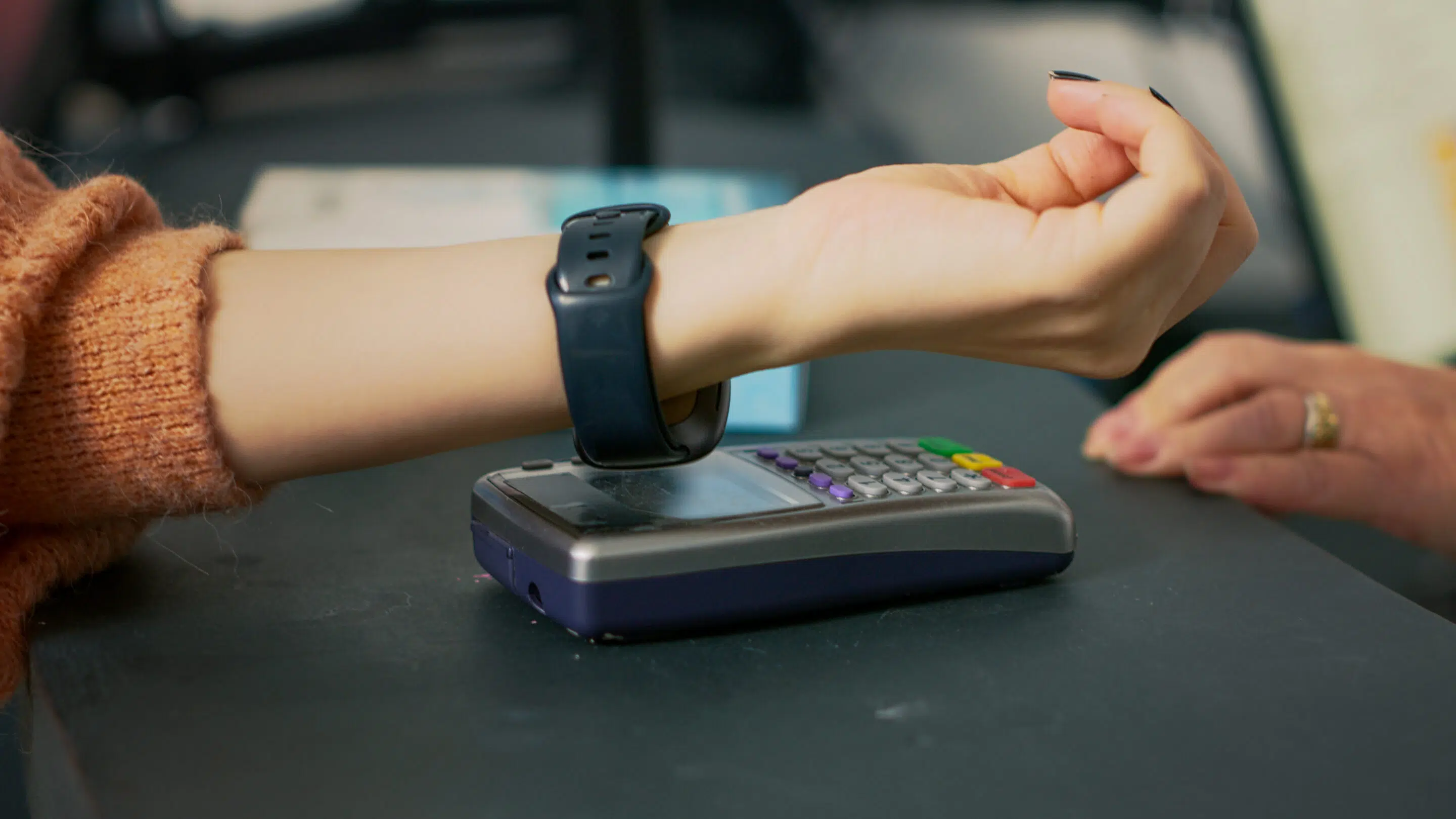 Smartwatches aren’t just trendy gadgets for younger people anymore. Today, they’re reliable health and safety tools for older adults, quietly supporting daily routines, wellness, and peace of mind. Whether a senior lives alone, with family, or in a retirement community, the right smartwatch can make everyday life simpler and safer.
Let’s take a closer look at the benefits of smartwatches for seniors – and why one might be a smart investment for you or someone you care about. Find the tech that’s “just right” at your local Verizon store, shop online, or consult the pros at Russell Cellular at 1-800-221-4408 (business customers call 1-866-326-7549).
What Can a Smartwatch Do for Seniors?
A smartwatch is a wearable device that connects to a smartphone using Bluetooth. That connection allows seniors to see calls, read messages, and receive alerts right on their wrist – no scrambling for a phone across the room. Many senior-friendly smartwatches also support voice commands, so there’s no need for complicated typing. Just talk, tap, and go.
Beyond communication, smartwatches are helpful for everyday tasks:
- Setting alarms and reminders
- Checking the weather and time
- Using timers for cooking or medication
- Getting directions or making electronic payments
The real value for older adults comes from health monitoring and personal safety features, which is why more seniors are choosing smartwatches as part of their daily routine.
Top 6 Benefits of Smartwatches for Seniors and the Elderly
1. Health Monitoring You Can Rely On
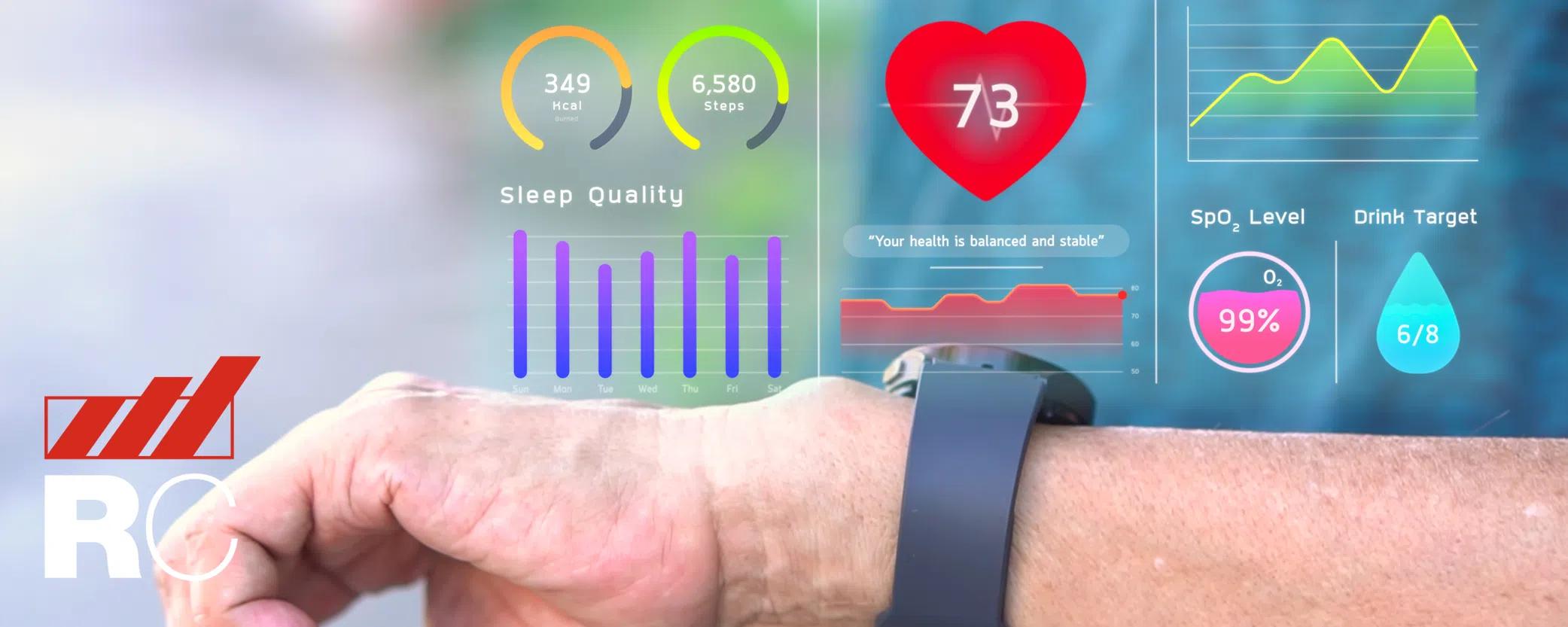
One of the biggest reasons people search for smartwatch benefits for elderly users is health tracking – and for good reason. Most smartwatches for seniors can track:
- Heart rate
- Blood oxygen levels
- Daily movement and activity
- Sleep patterns
Some advanced models also include ECG (electrocardiogram) monitoring, which can detect irregular heart rhythms. If something seems off, the watch can send an alert – helping the wearer respond quickly, before a small issue becomes a serious problem.
These features turn a smartwatch into a 24/7 health companion, offering reassurance without being intrusive.
2. Sleep Tracking That Supports Better Rest
Sleep changes as we age, and many older adults struggle with light or interrupted sleep. A smartwatch with sleep tracking for seniors helps make sense of what’s happening overnight.
By tracking sleep duration, rest quality, and wakeups, smartwatches provide useful insights that can be shared with doctors or caregivers. Better sleep awareness supports:
- Improved mood
- Better memory
- Stronger heart health
The best part? There’s nothing to do. Just wear the watch to bed and let it work quietly in the background. Who doesn’t love reliable technology without tedium?
3. Activity Tracking That Encourages Gentle Movement
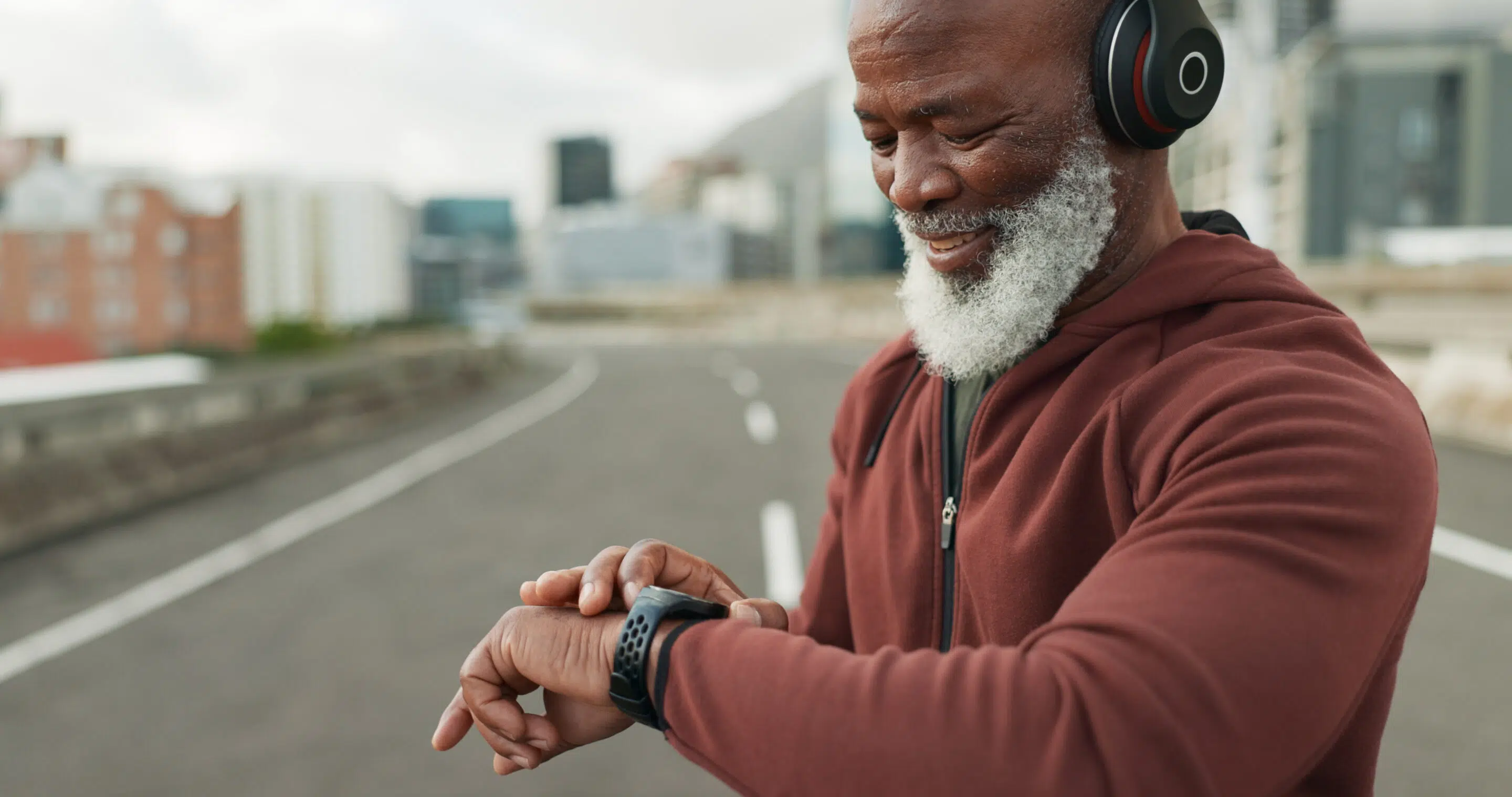
Staying active is one of the easiest ways to maintain strength, balance, and mental wellness as we age. A smartwatch for seniors’ fitness and activity tracking makes movement more visible – and more motivating.
Most models track daily steps, active minutes, and calories burned. Many also offer gentle reminders to stand, stretch, or take a short walk.
These small nudges help seniors:
- Build healthy habits
- Stay consistent without pressure
- Feel more energized over time
You don’t need a gym membership – just a little encouragement on your wrist. Healthy habits are formed just like bad ones: consistency. Periodic check-ins from smart wearables can help anyone stay on track, seniors included.

4. Reminders and Alerts That Support Memory
Memory lapses happen, and that’s completely normal, though “senior moments” are most certainly a thing. Smartwatches help prevent missed events – big and little – by sending timely notifications and reminders for:
- Medications
- Doctor appointments
- Daily tasks
They also help locate misplaced phones or keys using “find my device” features – saving time and reducing stress.
These tools offer gentle support without taking away independence, making smartwatches especially useful for seniors who value staying in control of their daily lives.
5. Easy Ways to Stay Connected with Family and Friends
Staying connected matters more than ever. With a smartwatch, seniors can: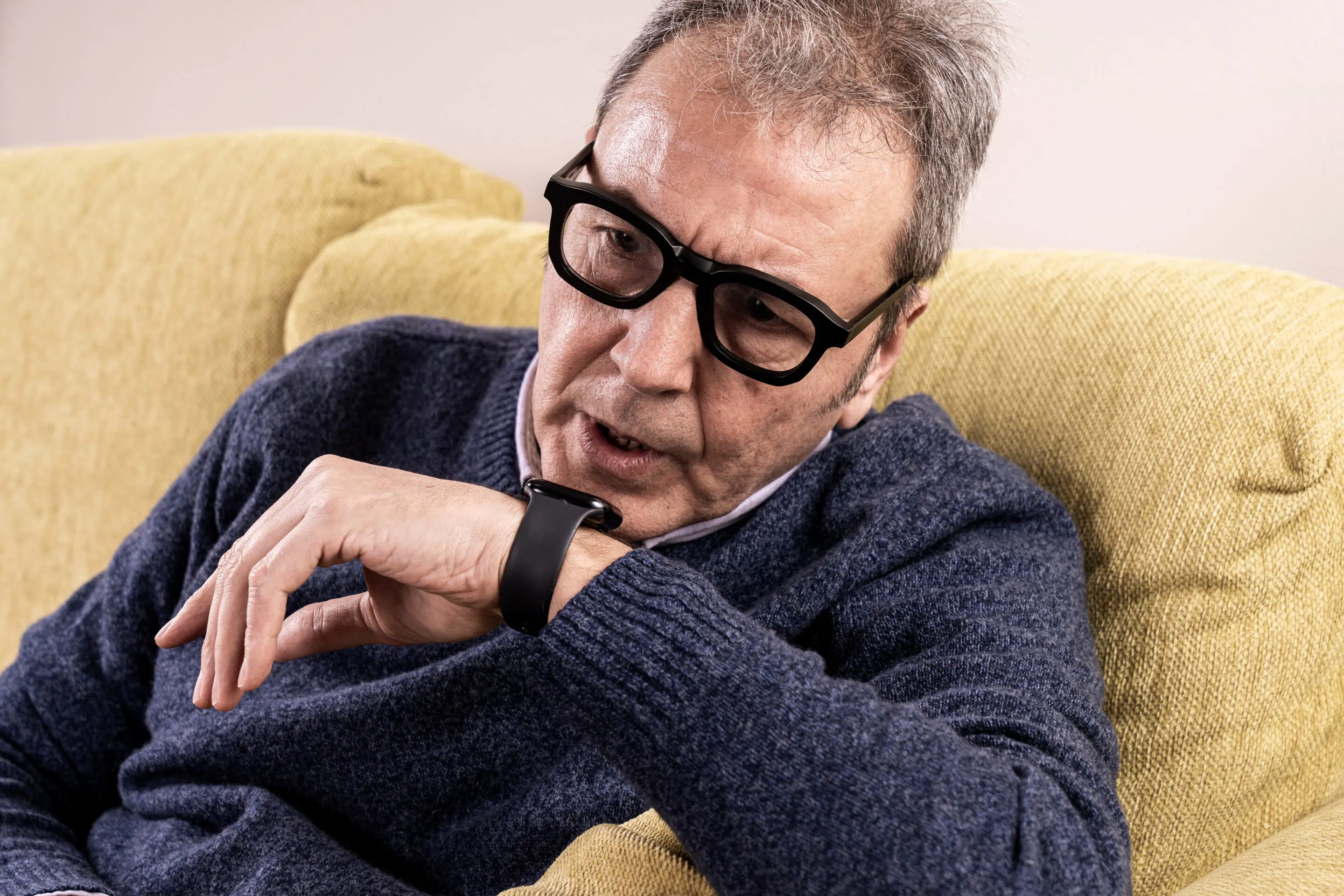
- Answer or decline calls
- Check important texts
- Send quick replies
- Receive emergency notifications
Even if a phone is across the room, help and communication are just a tap away. For seniors living alone, this feature provides both confidence and peace of mind – for them and their family members.
6. Emergency Help When It’s Needed Most
Falls are one of the biggest safety concerns for older adults. That’s why many families look specifically for a fall detection smartwatch for seniors.
If the watch senses a fall, it checks to see if the wearer responds. If not, it can automatically contact emergency services or a trusted caregiver through SOS emergency features.
This kind of quick response can be life-changing – and even life-saving.
Extra Smartwatch Features Seniors Appreciate
In addition to the main benefits, senior-friendly smartwatches often include:
- Loud noise alerts to protect hearing
- Voice assistants for hands-free use
- Smart home control (lights, devices)
- Weather and time updates at a glance
- Calendar syncing for daily planning
Together, these features make smartwatches a practical and comfortable wearable technology solution for older adults.
How to Choose the Best Smartwatch for Seniors
If you’re comparing options, knowing how to choose a smartwatch for seniors makes all the difference.
Look for:
- A large, bright display with easy-to-read text
- Simple navigation and clear menus
- Long battery life
- Comfortable design for all-day wear
- Health tracking and emergency SOS features
- Water resistance
Some seniors want advanced features, while others prefer something basic. The best smartwatch for seniors is one that matches comfort level, lifestyle, and personal needs.
If possible, try the watch before buying to ensure it feels intuitive and easy to use.
Are Most Seniors Finding a Smartwatch Purchase Worth It?
Absolutely. Smartwatches are no longer just fitness accessories – they’re powerful wellness, safety, and communication tools for seniors.
From health monitoring and fall detection to reminders and staying connected, these devices help older adults live more confidently and independently.
Whether you’re a senior yourself or helping a loved one, a smartwatch can quietly support daily life in meaningful ways. And with so many senior-friendly options available, there’s truly a smartwatch for every need.
Come see the smartwatches and other wearable devices at your local Verizon store, shop online, or call the pros at Russell Cellular at 1-800-221-4408 (business customers call 1-866-326-7549) for friendly help ordering.
Check out other RC blog articles.
Frequently Asked Questions About Smartwatches for Seniors
Are smartwatches good for seniors?
Yes, smartwatches are very good for seniors. They help with health monitoring, emergency alerts, daily reminders, and staying connected with family. Many smartwatches for seniors are designed to be easy to use, comfortable to wear, and helpful without being complicated.
What are the main benefits of smartwatches for seniors?
The main benefits of smartwatches for seniors include:
- Heart rate and health monitoring
- Fall detection and emergency SOS features
- Activity and sleep tracking
- Medication and appointment reminders
- Easy communication with family and caregivers
These features support safety, independence, and peace of mind.
Can a smartwatch really help in an emergency?
Yes. Many senior-friendly smartwatches include emergency SOS and fall detection. If a fall is detected and the wearer doesn’t respond, the watch can automatically call emergency services or alert a trusted contact. This feature is especially important for seniors who live alone.
Do smartwatches work without a smartphone?
Some smartwatches can work without a smartphone if they have cellular or LTE support, but many basic smartwatches still need a phone nearby for full functionality. For seniors who don’t want to carry a phone, choosing a smartwatch with built-in cellular service can be a good option.
What is the easiest smartwatch to use for seniors?
The easiest smartwatch for seniors is one with:
- A large, bright display
- Simple menus and clear text
- Few buttons and intuitive touch controls
- Voice command support
Ease of use should always be a top priority when choosing a smartwatch for an older adult.
Are smartwatches good for seniors who live alone?
Absolutely. Smartwatches are especially helpful for seniors living alone. Features like emergency SOS, fall detection, health alerts, and quick access to calls provide added safety and peace of mind for both seniors and their families.
Can a smartwatch track heart problems in older adults?
Many smartwatches can track heart rate and notify users of unusually high, low, or irregular heart rhythms. Some models even offer ECG monitoring, which can help detect potential heart issues early. While they don’t replace a doctor, they can be a valuable health awareness tool.
Do seniors need advanced features on a smartwatch?
Not always. Some seniors enjoy advanced features, while others prefer something basic. The best smartwatch for seniors is one that matches comfort level, technology experience, and personal needs. It’s perfectly fine to choose a simple model focused on safety and health.
How long does a smartwatch battery last for seniors?
Battery life varies by model. Some smartwatches need daily charging, while others can last several days. For seniors, it’s usually best to choose a smartwatch with long battery life so it doesn’t need to be charged often.
Is a smartwatch worth buying for an elderly parent?
Yes, a smartwatch can be a worthwhile investment for an elderly parent. It offers health tracking, emergency support, reminders, and easier communication – all in one wearable device. Many families find it brings comfort and reassurance knowing help is always close at hand.
#Verizon #5G #LTE #Fiber #Smartwatch #RussellCellular #BetterTogether
Check out other RC blog articles.

Aug 3, 2026
What’s the frequency, Kenneth?!
That’s the title of a song by the rock band R.E.M., and, oddly enough, it had pop-culture influence beyond music. It originated from the 1986 assault and battery on CBS news anchor Dan Rather in New York City, during which the two assailants repeatedly screamed this question. “Kenneth, what is the frequency?” The incident baffled police and the public for years (it was later learned one of the attackers was delusional), and the question immediately became a catchphrase for being confused, out of one’s depth, or out of the loop.
Things can be confusing.
Not just in retail, everything around us can seem confusing or chaotic. So many balls being juggled, never-ending expectations and fire drills, and the constant reflection of inputs and outputs. Figuring out intention and creating intention when it’s busy can be challenging. It can be equally challenging, if not more so, when we assess our outcomes as being won or lost or a complete success or utter failure. It leaves us questioning intention and the aftermath of everything that has happened as good or bad. 
When I started as a manager, I quickly realized “I did not know what I didn’t know.” In fact, I wasn’t sure I didn’t know it until it was required. With time and experience, as well as a lot of good, bad, won, lost, and all success and failure, there was one piece of wisdom that revealed itself. It is something I currently share with all those young leaders.
“Our outcomes represent neither absolute success nor absolute failure. They are a sum total of varying degrees of both.”
Which begs the question, can two seemingly diametrically opposed truths be held by the same person about the same situation and outcome, and at the same time? Yes.
Life doesn’t happen to us; it happens for us.
I believe good and bad can co-exist. That one thing can be both. Take social media. Kaylor Betts, a Canadian podcaster offered two perspectives. He posed “Is it toxic and can it act like a poison? Absolutely.” If it’s being viewed unconsciously in some kind of death scroll, then yes. Then he captured my complete interest when he said,
“If people use it with intention and calculation, it can be a powerful tool.”
That phrase, “with intention and calculation,” resonated in me. To say it another way, with purpose and a plan. I started thinking about how this could impact how I see and set up my day. After a little contemplation, I took Betts’s statement and added a third. Each element supports the other like a three-legged stool.

Intention, Calculation, and Action
Intention gives us a clear purpose. It’s our “why.” It answers the question: What do I want to start/stop/continue and why? Calculation gives us a clear path. It’s our “how.” It answers the question: What specific steps and behaviors do I need to get there? Action gives us perspective. It’s our “what now?” While in the midst of our action, what things do we need to flex, adapt, improvise, or change in our engagement to fulfill the intention? The challenge won’t be the intention or calculation. It will most certainly be the change that will be required in the action.
You see, the intention doesn’t really change. Calculation will probably only indicate change is needed. Action in the pursuit of achieving our desired outcome almost always changes. The Why and How gives us the plan. Does that mean everything goes to plan? Heck no. The plan only gives us a lane to start in. That’s it. Life is unscripted. It’s full of variables – good and bad. Action reveals our response.
We aim with intention, assess with calculation, and then act with determination and self-efficacy. What happens in the aftermath and how do we see the quantity and quality of our efforts? This takes us back to our original question…was the outcome “good” or “bad” and what was the influence?
We’ll See
There is an old parable about a Chinese farmer. Goes like this…
Once upon a time, there was an old farmer who had worked his crops for many years.
One day his horse ran away. Upon hearing the news, his neighbors came to visit. “Such bad luck,” they said sympathetically, “you must be so sad.”
“We’ll see,” the farmer replied.
The next morning the horse returned, bringing with it two other wild horses.
“How wonderful,” the neighbors exclaimed! “Not only did your horse return, but you received two more. What great fortune you have!”
“We’ll see,” answered the farmer.
The following day, his son tried to ride one of the untamed horses, was thrown, and broke his leg. The neighbors again came to offer their sympathy on his misfortune. “Now your son cannot help you with your farming,” they said. “What terrible luck you have!”
“We’ll see,” replied the old farmer.
The following week, military officials came to the village to conscript young men into the army. Seeing that the son’s leg was broken, they passed him by. The neighbors congratulated the farmer on how well things had turned out. “Such great news. You must be so happy!”
The man smiled to himself and said once again.
“We’ll see.”
Our Take-Away
Creating intention and processing calculation are both formulaic and relatively easy to manufacture. The harder part comes in the aftermath. When action shapes a new context and we respond to the circumstance in hopes of maintaining our purpose and objective.
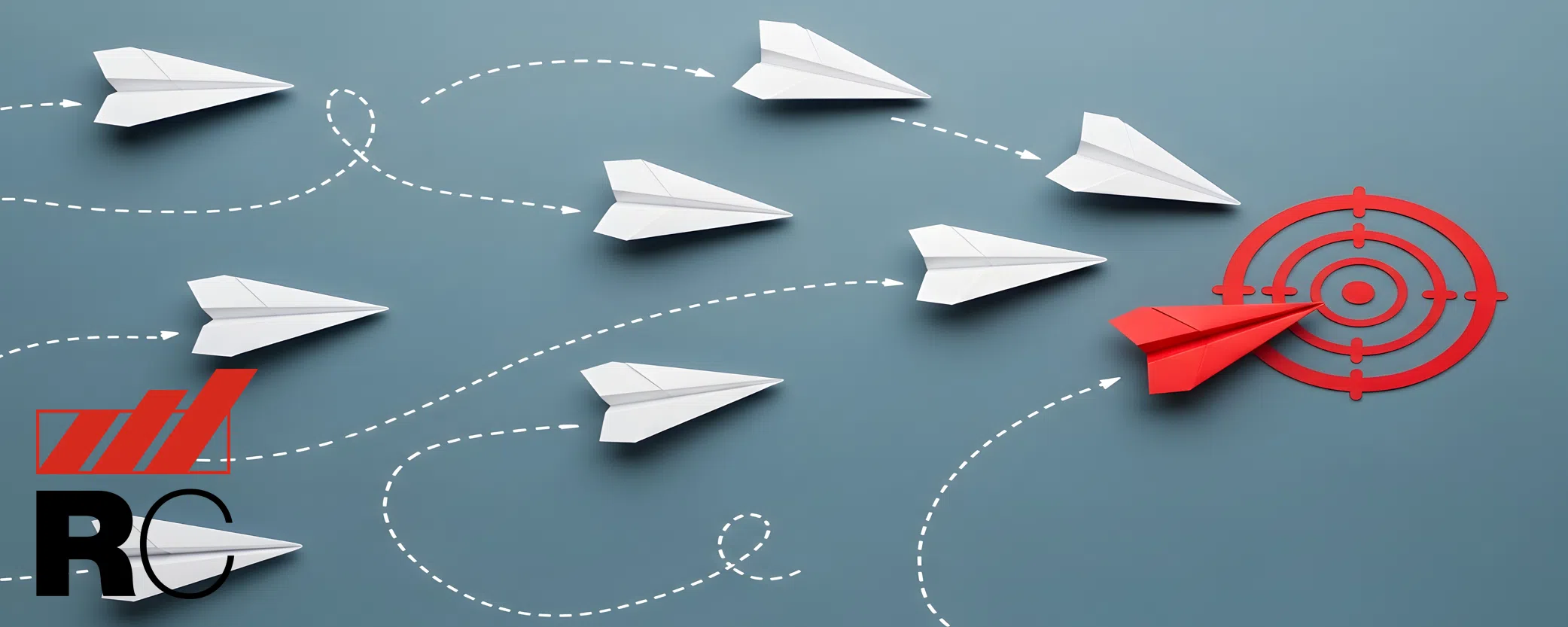
The Chinese farmer parable teaches us that it is problematic to judge a circumstance as strictly good or bad when it happens. Rather than trying to control every outcome, it encourages patience and the understanding that “good luck” and “bad luck” are both part of our journey.
A “We’ll see” intentionality is not passive. It’s not resignation. It’s a controlled response from a disciplined mindset. It’s the ability to live without overreacting to every swing of the pendulum. To stay grounded when things go well. To stay open when things fall apart. To resist the urge to declare the final meaning of a moment we are given too soon. To be careful what we call “good” or “bad.” It depends, because we are standing inside a story that isn’t finished yet. That’s the frequency, Kenneth.
#LeadershipMatters #ProfessionalDevelopment #GrowthMindset #IntentionCalculationAction #ThatIsTheFrequency
Read more great leadership perspectives in the RC blog.
Jul 20, 2026
How Smartphones, Connected Devices, and Accessibility Apps Are Empowering Independence
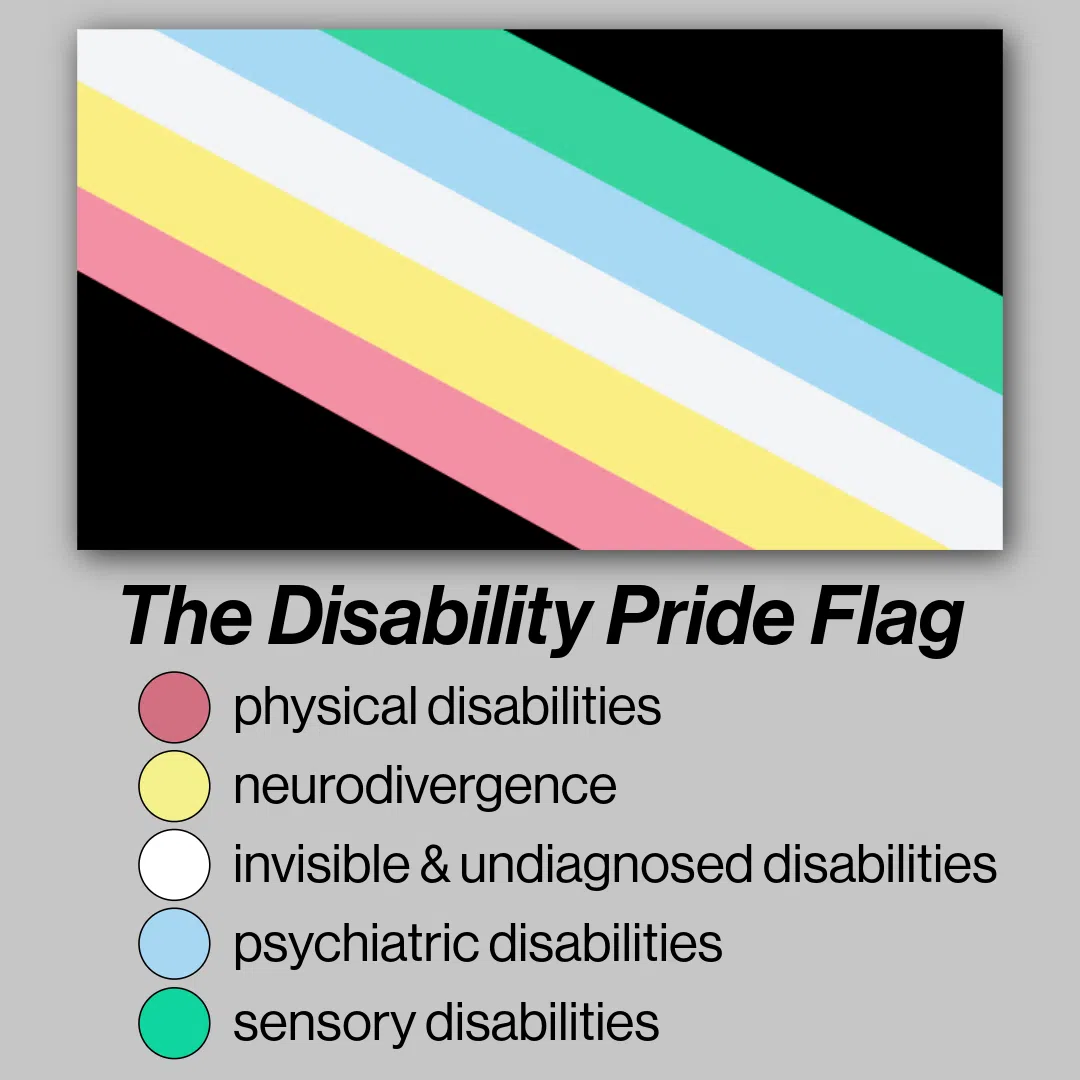
Every year since July 26, 1990, when the Americans with Disabilities Act (ADA) was signed into federal law, states and communities across the nation observe Disability Pride Month in July, honoring the achievements, identities, and contributions of people with disabilities while promoting a more inclusive society. It is also an opportunity to appreciate how technology has transformed everyday life in our country.
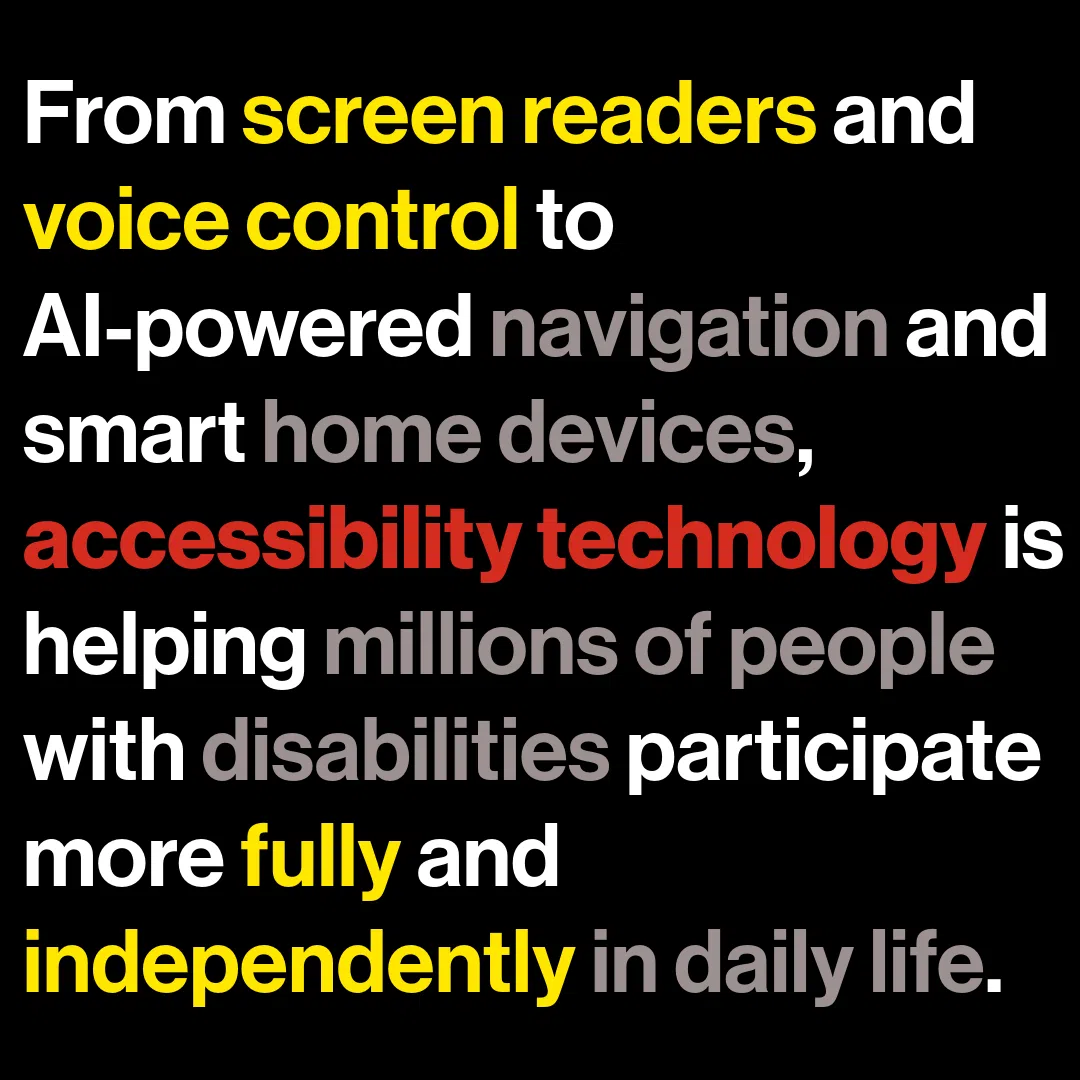
Today’s smartphones and connected wireless devices are far more than communication tools – they are powerful accessibility platforms that help people navigate the world, communicate, work, learn, and live more independently.
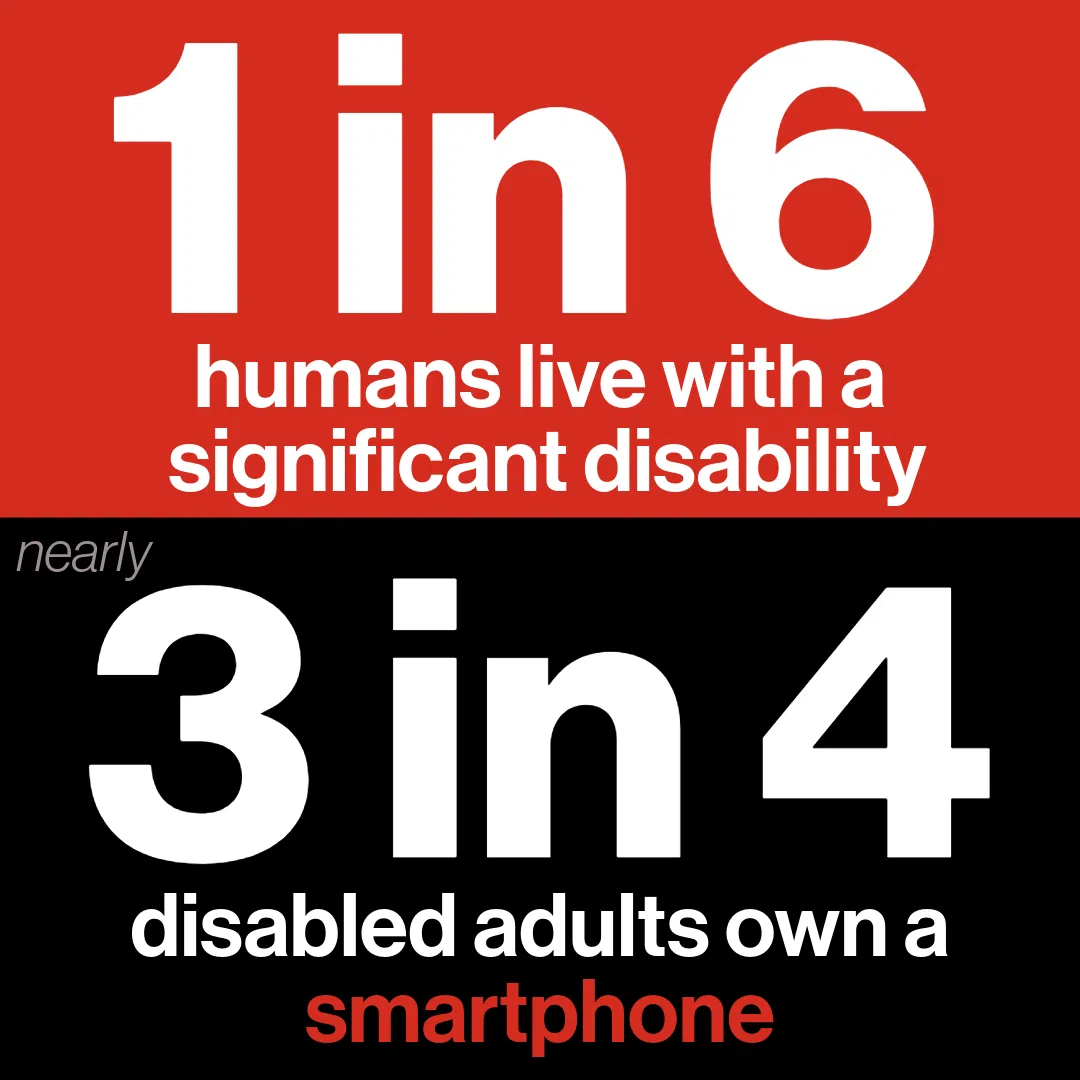
According to the World Health Organization, an estimated 1.3 billion people worldwide – roughly 1 in 6 people – live with a significant disability, making accessibility an essential component of modern technology rather than a niche feature. For one-on-one help, consult a genuinely caring Russell Cellular expert at your nearest location or by calling 1-800-221-4408.
Accessibility Built into the Devices We Use Every Day
Just a decade ago, many people with disabilities relied on expensive, specialized assistive technologies. Today, many of those capabilities are built directly into smartphones, tablets, smartwatches, and wireless earbuds.
Tip: Learn how to use your device’s built-in assistive technology at the Verizon Accessibility Resource Center.
For Individuals with Visual Impairments
Screen readers can convert on-screen content into spoken feedback, allowing users to send messages, browse the web, and access apps independently. Magnification tools, color filters, and text resizing features help users customize displays to meet their visual needs.
Most smartphones today include built-in screen readers (like Apple’s VoiceOver or Google’s TalkBack), magnification, and high-contrast color modes. Apps like Be My Eyes and Seeing AI use the camera to describe surroundings or read text aloud.
For People with Hearing Impairments
Smartphones offer real-time captioning, sound recognition, visual alerts, and seamless compatibility with hearing devices. The popularity of captions demonstrates how accessibility innovations often benefit everyone. Research shows that 80% of people who use captions do not have a hearing impairment, illustrating how features originally designed for accessibility have become mainstream tools.
For Individuals with Mobility and Dexterity Issues
Accessibility features are equally transformative. Voice control allows users to operate a device without touching the screen, while customizable gestures, switch controls, and eye-tracking technologies provide alternative ways to interact with digital content.
Switch Control allows the use of external adaptive switches, head-tracking hardware, or facial expressions to navigate. Voice Assistants like Siri or Google Assistant allow complete hands-free control of the device, reducing barriers for people with limited dexterity or other physical disabilities.
For People with Cognitive Challenges
Features like Guided Access (on iOS) lock the phone to a single app to prevent distractions or accidental purchases. Simplified launchers and picture-dialing interfaces can remove complicated menu layouts.
Smartphones are Commonplace but not Everywhere
Smartphones and tablets have become a vital access point to education, employment, healthcare, transportation, and social connection. A recent survey by the Pew Research Institute indicates 72% of adults with disabilities report owning a smartphone, demonstrating how mobile technology has become a critical gateway to digital accessibility. Clearly, there is room for growth, though – 28% of disabled adults without a smartphone means many people are not experiencing the useful features which might improve their lives in myriad ways.
While a digital divide still exists, the widespread adoption of smartphones has given millions of people access to built-in accessibility tools that previously required separate devices or specialized software. And happily, efforts are underway in both private and public sectors to diminish the gap so that smart technology is within reach of more adults and children living with disabilities.
The Ecosystem of Connected Wireless Devices is Ever-Expanding
Accessibility innovation extends far beyond the smartphone itself. Connected wireless devices have created an ecosystem that supports independence throughout the day.
Smartwatches provide discreet reminders for medication, appointments, and daily routines. They can detect falls, monitor health metrics, and alert caregivers or emergency contacts when assistance may be needed.
Wireless earbuds, headphones, and hearing-assistance technologies are also evolving rapidly. Features such as amplified conversations, customizable audio settings, and environmental sound awareness can help users better engage with the people and environments around them.
Smart home devices further demonstrate how wireless connectivity can improve accessibility. Voice assistants can control lights, thermostats, locks, and appliances through simple spoken commands. For someone with limited mobility, these capabilities can make everyday tasks significantly easier and reduce dependence on others.
Disability-Focused Apps Are Expanding Possibilities
While built-in accessibility features provide a strong foundation, disability-related apps are extending those capabilities in remarkable ways.
Communication Apps
These help individuals with speech disabilities express themselves through text-to-speech technology, symbol-based communication systems, and customizable communication boards. These tools support meaningful interactions at school, work, healthcare appointments, and social gatherings. Examples (no endorsement implied):
Vision & Sensory Support
Be My Eyes: Connects blind or low-vision users with sighted volunteers or an AI assistant via video call to read labels, navigate spaces, or identify objects.
Google Live Transcribe: Delivers real-time, highly-accurate speech-to-text transcription for people who are deaf or hard-of-hearing.
Speech & Augmentative/Alternative Communication (AAC)
Proloquo2Go: A powerful AAC app that provides customizable voice and symbol-based communication system for non-verbal individuals.
Grid for iPad: Highly adaptable software with picture scenes and core vocabulary tailored for kids, teens, and adults.
Others: TouchChat, Lamp Words for Life
Mobility & Navigation Apps
These are designed for people with visual impairments can provide detailed guidance while walking, identify landmarks, read signs, and describe surroundings using artificial intelligence. Other applications can recognize objects, identify currency, and scan printed documents, making everyday tasks more manageable. Examples (no endorsement implied):
Wheelmap: An interactive map for finding and rating wheelchair-accessible locations like restaurants and public spaces worldwide.
Passenger Assistance: Allows trains and transit travelers to request physical platform assistance, book seating, and organize journeys.
Routine and Visual Schedule Apps
Designed to aid people with cognitive disabilities, these apps can support organization, memory, and time management. Visual schedules, reminder systems, and step-by-step task guides help users maintain routines and accomplish goals with greater independence. Examples (no endorsement implied):
Choiceworks: Combines visual schedules, social stories, and waiting tools to help children understand daily routines, make choices, and manage emotions.
First Then Visual Schedule: A widely used app that helps individuals anticipate what comes next, minimizing uncertainty and stress.
Mental Health and Wellness Apps
These may also play an important role, offering tools for stress management, mindfulness, emotional regulation, and community support. Examples (no endorsement implied):
Finch: A self-care and habit-tracking app that gamifies daily tasks to help with neurodiversity, memory, and mental wellness.
Model Me Going Places: A video modeling app that walks users step-by-step through navigating locations like the grocery store, a doctor’s office, and restaurants.
SAM (Stress Autism Mate): Designed for older youths and adults to help identify stress levels throughout the day and provide personalized, self-managed coping tips.
Accessibility Benefits Everyone
One of the most important lessons from accessibility innovation is that inclusive design benefits everyone. Features originally created for people with disabilities frequently become mainstream tools. Voice assistants, speech-to-text dictation, captions, and smart-home controls are now widely used by people of all abilities.
The growing impact of assistive technology is evident in the workplace as well. Recent research cited by Microsoft found that more than 70% of consumers say assistive technology is essential to their daily work, highlighting how accessibility tools support productivity and inclusion across industries.
Looking Ahead
As artificial intelligence, wearable technology, and connected devices continue to evolve, the future of accessibility looks increasingly promising. Emerging technologies are helping devices better understand speech, interpret visual information, automate routine tasks, and provide personalized assistance tailored to individual needs.
During Disability Pride Month, it is worth celebrating not only the progress that has been made but also the people whose advocacy helped drive these innovations forward. Technology alone does not create inclusion, but thoughtfully designed smartphones, wireless devices, and accessibility-focused apps are helping remove barriers and expand opportunities in once unimaginable ways.
The result is greater independence, stronger participation in education and employment, improved access to information, and more meaningful connections with the world. That is something worth celebrating – not just during Disability Pride Month, but every day of the year.
__________________________________________________________________________________
Take Action This Disability Pride Month
Disability Pride Month is more than a celebration – it is a reminder that accessibility and inclusion require ongoing commitment from individuals, organizations, and communities. While smartphones, connected devices, and accessibility-focused apps have expanded opportunities for millions of people, creating a truly inclusive world depends on awareness, advocacy, and action.
Here are a few ways to get involved:
- Explore accessibility features on your own devices.
Take time to learn about screen readers, voice control, live captions, magnification tools, and other built-in capabilities. Understanding these features can help you better support colleagues, friends, family members, and customers.
- Design with accessibility in mind.
Whether you create content, websites, presentations, or digital experiences, make accessibility a priority from the start. Small changes – such as adding image descriptions, captions, and accessible document formatting – can make a significant difference.
- Support disability-inclusive innovation.
Encourage organizations and technology providers to continue investing in accessible products and services that meet the needs of people with diverse abilities.
- Listen to lived experiences.
Follow disability advocates, engage with Disability Pride Month events, and learn directly from individuals who use accessibility technologies every day.
- Share resources and raise awareness.
Highlight the accessibility features and apps that make a difference in people’s lives. The more awareness grows, the more inclusive technology becomes.
This Disability Pride Month, celebrate the hard-won progress while recognizing the work that remains. By embracing accessibility, we can help ensure that technology continues to empower people of all abilities to connect, contribute, and thrive.
#DisabilityPride #TheWorldWorksBetterWithUs #Accessibility #InclusiveTechnology #Smartphones #ConnectedDevices #AssistiveTechnology #RussellCellular #InnovationForAll
Read more RC blog articles.