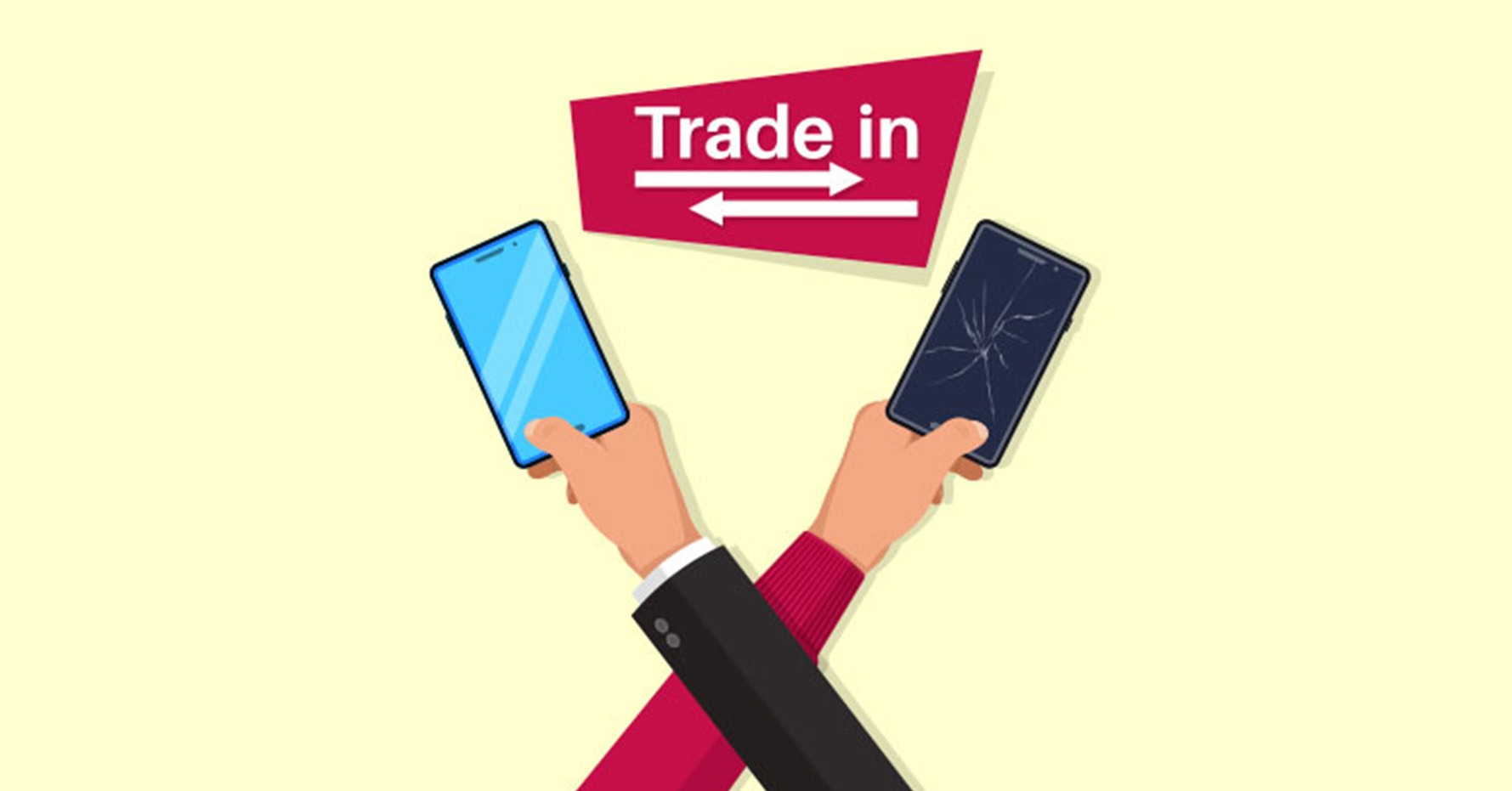
Trading in your phone is a great way to earn account credit towards your next Verizon cell phone or plan. You can trade in a wide range of devices, including:
- Smartphones
- Basic phones
- 3G prepaid phones (active for at least six months)
- 4G prepaid phones (activated with at least the first month paid)
- Tablets
- Netbooks
- Smartwatches
- Mobile hotspot devices
If you’re already a Verizon customer, we’ll credit the value of your device to your account. That way, you can reduce your monthly payments or upgrade your cell phone for less.
If you’re not a Verizon customer just yet, you’re still welcome to trade in your phone with us. You can request PayPal credit, or a Verizon Gift Card to help you start your new contract.
Follow our quick trade-in guide below to save money and protect the environment against waste with our phone recycling scheme.
How to submit a trade-in request
- Go to our Trade-In page.
- Answer a few questions about your phone and its condition so that we can estimate its trade-in value.
- Choose how you’d like to be paid, and how you’d like to ship your phone to us. We can send you a shipping kit, or you can ship the device yourself.
- Accept our Device Trade-in Program Terms & Conditions, and click Complete to submit your request.
How to prepare your phone for shipping

- After you submit a trade-in request, you’ll receive an email that tells you how to prepare, pack, and ship your old device. (If you haven’t received it, remember to check your spam folder.)
- Double-check that the battery, screen, and ports are working, that the glass isn’t broken, and that your phone can turn on and off.
- Back up your content, and save any pictures, contacts, and information you want to keep.
- Disable your Google account and any other linked accounts.
- Clear your data.
- Perform a factory reset.
How to send your phone back to Verizon for trade-in
- If you requested a shipping kit, you’ll receive a box, padded envelope, and prepaid return label for each device you’re trading in. If your kit didn’t arrive, please request a replacement.
- When you’re using your shipping materials, please pack each device securely in its package. Then, print your shipping labels and affix them to the front of the correct packages.
Mail us your old device within 15 days, and we’ll pay you for trading in your phone through your chosen payout method.
Choose your new Verizon phone

Once you’ve traded in your phone at Verizon, there’s no point in letting your valuable credits gather dust. Treat yourself to super fast processing with the Samsung S22 Ultra, high-tech security with the Google Pixel 6 Pro, or crystal clear photos with the Apple iPhone 13 Pro Max. Alternatively, browse our online store yourself to discover your next favorite device!